


You built the backlink. You checked your tools. Nothing showed up.
That moment confuses almost every site owner at least once. The link exists, yet it seems invisible. The reason isn’t random — it’s a predictable indexing process. Once you understand how that process works, you can fix the issue quickly and make your backlinks count.
Many website owners wonder why backlinks not indexed appear even when the links are live and visible.
Direct Answer Snippet
Backlinks are not indexed because Google has not indexed the linking page, cannot crawl it, or does not consider it valuable enough to process. Fixing the source page usually solves the issue faster than building more links.
What You’ll Learn
- Why backlinks not indexed is common in 2026 SEO
- Real backlink indexing time ranges
- How to index backlinks safely
- Which backlinks will never index
- Exact fixes that work today
Intent Match Block
If you searched why backlinks not indexed, you likely already built links but they’re not appearing in tools or rankings. This guide skips theory and shows real causes + fixes so you can diagnose the problem fast and get links counted.
Why This Problem Happens
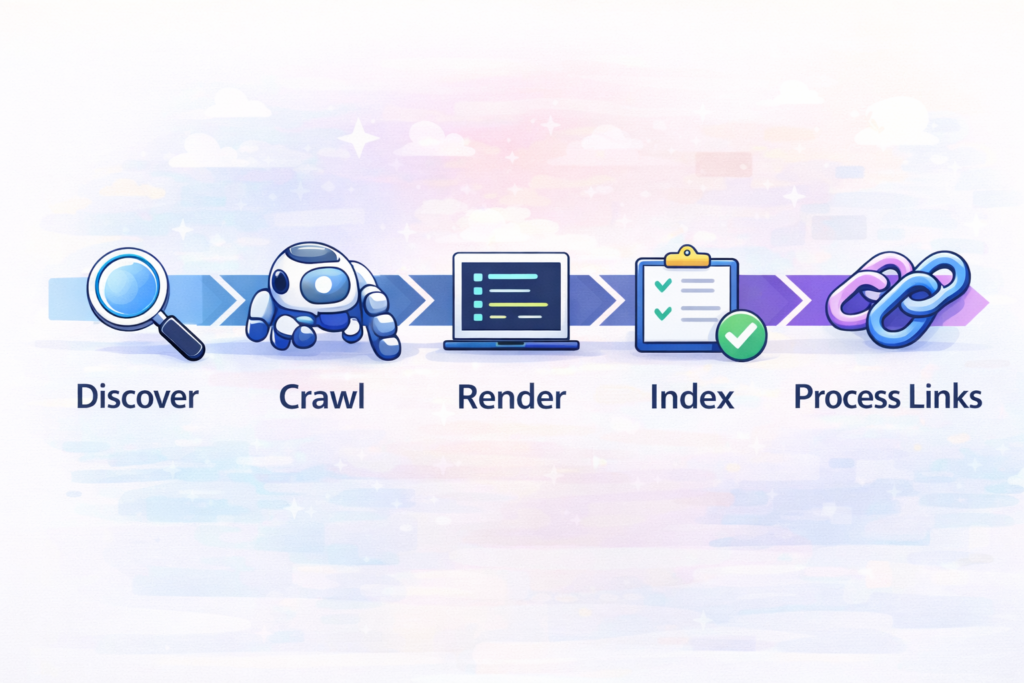
Understanding why backlinks not indexed, occurs starts with analyzing how search engines process linking pages.
Search engines don’t evaluate backlinks instantly. Before a backlink counts, Google must:
- Discover the page hosting the link
- Crawl it
- Render it
- Decide whether to index it
- Process outbound links
If any step fails, the backlink will not appear. That’s why backlinks not showing does not automatically mean the link is missing — it usually means the page hosting it has not been processed yet.
Search engines prioritize pages based on crawl resources and importance signals. If a page rarely gets crawled, links on it may stay invisible longer. To understand how this works internally, read How crawl budget affects indexing.
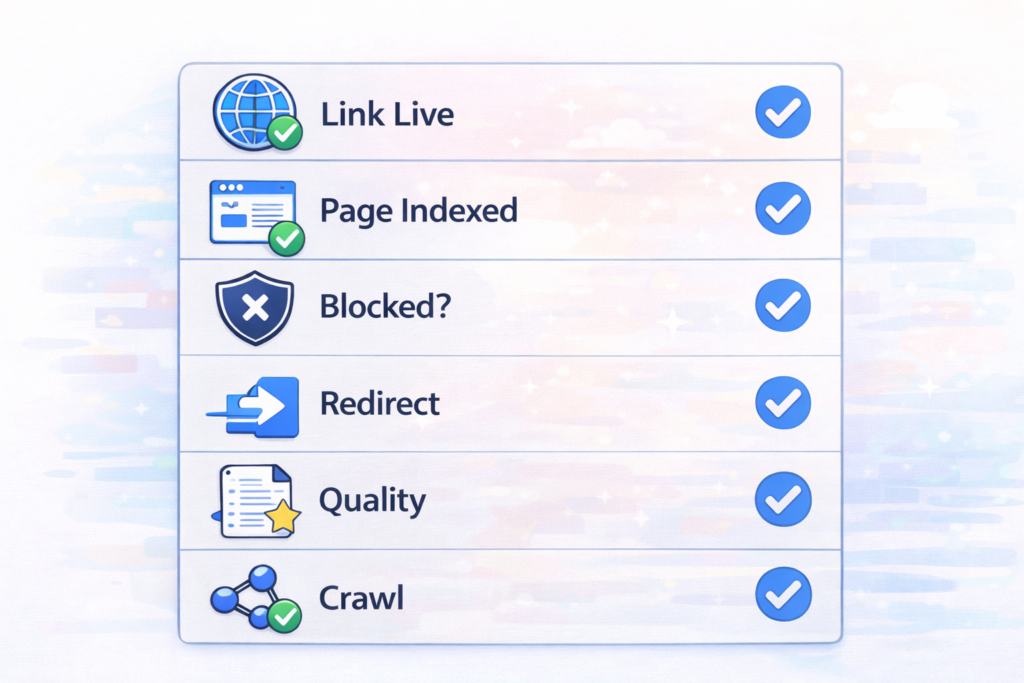
Quick Checklist Box
| Check | What to Verify | Expected Result |
|---|---|---|
| Link live | Open page manually | Visible |
| Page indexed | Search URL | Appears |
| Blocked? | robots / meta | Not blocked |
| Redirect | URL path | Direct |
| Quality | Content depth | Valuable |
| Crawl | Internal links | Exists |
Main Causes
1. Linking Page Not Indexed
Micro answer: No indexed page = no counted backlink.
One of the main reasons why backlinks not indexed, happens is simply that Google hasn’t indexed the source page yet.
Before assuming your backlinks are missing, always verify whether the linking page is indexed. You can check this instantly using a Google index checker which shows whether a page exists in search results.
2. Crawl Delay
Micro answer: Google hasn’t revisited the page yet.
Backlink indexing time depends on how often Google crawls that site. High-authority sites get crawled daily, while smaller sites may wait weeks.
3. Low Quality Source Page
Micro answer: Thin pages are ignored.
Pages with little content or spam signals are often skipped entirely. Links placed there rarely get counted.
Low-value pages often fail to get indexed at all, meaning links placed there won’t count. If you’re unsure whether your backlinks come from strong sources, follow this practical audit process: How to audit backlinks correctly
4. Technical Restrictions
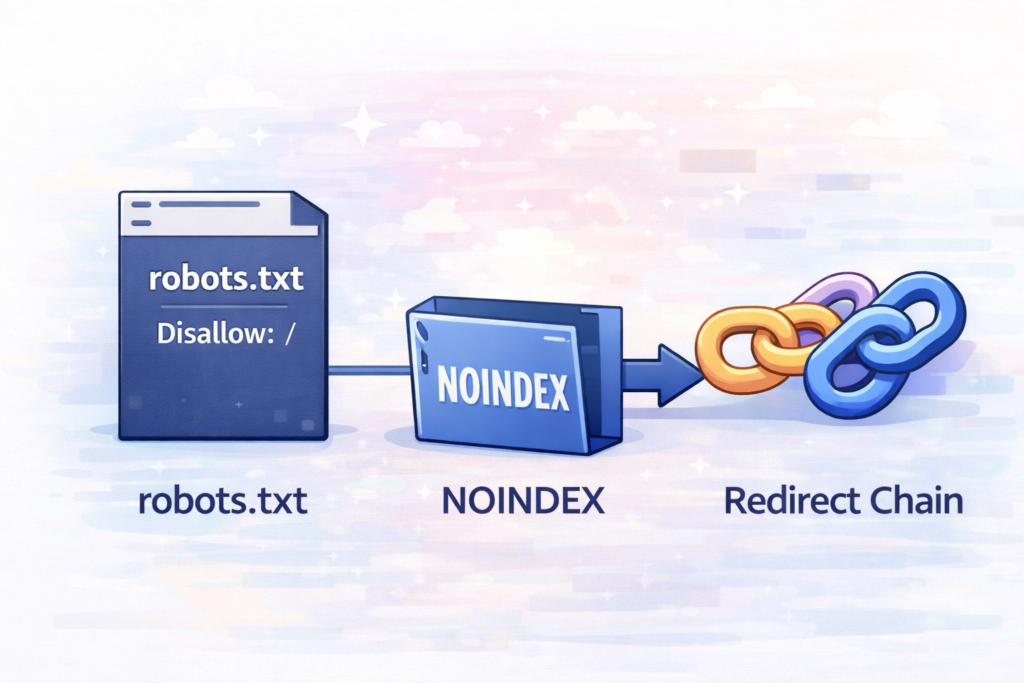
Micro answer: Bots cannot see the link.
Common blockers:
- noindex tag
- blocked robots path
- script-loaded links
- hidden elements
Sometimes, backlinks are present but blocked from crawlers due to technical rules. Testing your crawl permissions with a Rrobots.txt generator and tester can reveal whether search engines are allowed to access the linking page.
5. Canonical or Redirect Confusion
Micro answer: Credit goes elsewhere.
If your page redirects or canonicalizes, Google may assign link value to another URL version.
6. Tool Delay
Micro answer: Tools crawl slower.
Sometimes search engines see your backlink before third-party tools do.
If backlinks appear missing in SEO tools, it may just be a delay in discovery. Running a scan with a Backlink checker tool helps confirm whether external crawlers have detected the link yet.
Somehow, backlinks appear missing simply because tools haven’t discovered them yet. Different crawlers scan the web at different speeds, which is why results vary. If you want to understand how backlink detection actually works, read this guide Backlink analysis explained
Step-by-Step Fix
Step 1 — Confirm Link Exists
Open the linking page and ensure the link is visible publicly and points to the correct URL.
Step 2 — Check If Page Is Indexed
Search the page URL directly in Google. If nothing appears, the page isn’t indexed.
According to Google’s official indexing documentation, a page must be indexed before its outbound links can be evaluated. If the page itself isn’t indexed, its links cannot pass signals.
Step 3 — Inspect Page Directives
Check for noindex tags, blocked robots paths, canonicals, or redirect chains.
Google explains in its official crawling guidelines that blocked pages cannot be processed by search bots. Their documentation clarifies this Google bots crawling rules
Step 4 — Improve Source Page
Add useful content, headings, and internal links. Better pages get crawled faster and shorten backlink indexing time.
Technical optimization also plays a role in faster indexing. Improving structure, clarity, and relevance helps crawlers process pages efficiently. You can see practical examples inside this breakdown AI crawl optimization strategies
Step 5 — Trigger Crawl Signals
Create natural links pointing to that page so crawlers discover it sooner. This is safer and more reliable than forcing indexing artificially.
Step 6 — Validate Your Target URL
Make sure your page resolves to one canonical version, loads correctly, and is internally linked so signals consolidate properly.
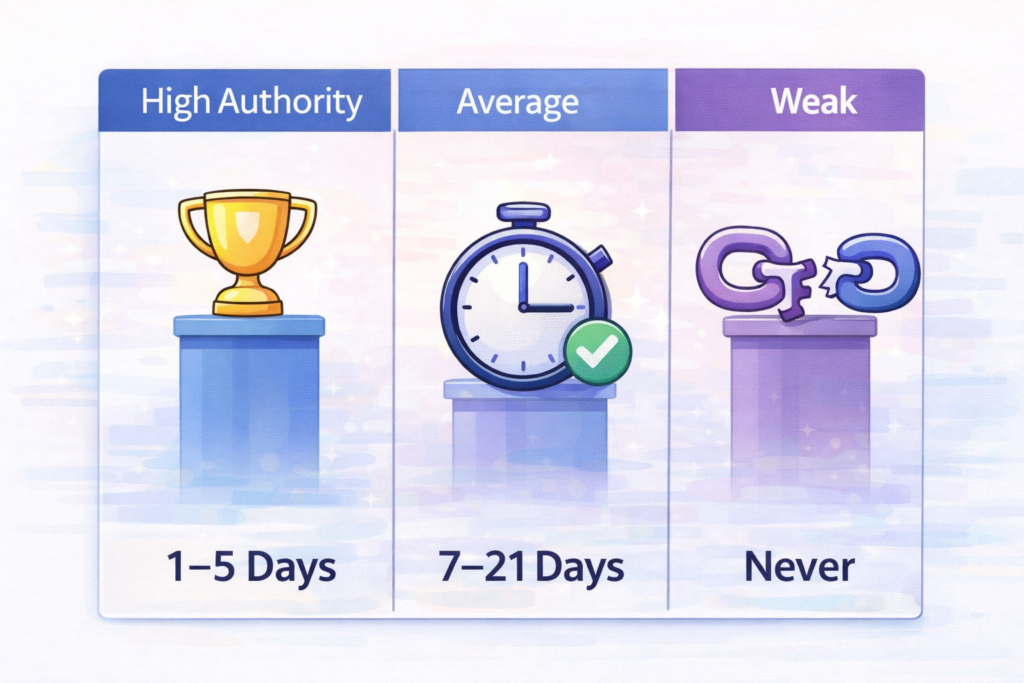
Step 7 — Wait Realistic Timing
| Site Strength | Typical Time |
|---|---|
| High authority | 1–5 days |
| Average | 7–21 days |
| Weak | never |
Step 8 — Replace Weak Links
If a backlink never indexes after several weeks, replace it with one from a stronger page rather than trying to force indexing.
Tools to Check Issue
Use tools in this order:
- index checker
- robots tester
- header checker
- source viewer
- backlink analyzer
These isolate exactly why backlinks not showing occurs and prevent misdiagnosing the issue.
Expert Insight
Modern search algorithms evaluate link credibility only after the source page proves it deserves indexing. This means backlink success depends more on the page hosting the link than the link itself. A strong contextual link on a trusted page will almost always outperform dozens of links on ignored pages.
Search engines increasingly evaluate link quality based on topical relevance and authority signals rather than quantity alone. If you want to understand how authority impacts ranking strength, this guide explains it clearly Topical authority in SEO
FAQs
Why backlinks not indexed after a week?
Backlinks may not be indexed after a week because Google has not crawled or indexed the page that contains the link. If the linking page is new, low-authority, or rarely crawled, indexing can take longer.
How long does backlink indexing usually take?
Backlink indexing typically takes anywhere from a few days to several weeks. High-authority sites are crawled faster, while smaller or inactive sites may take much longer or never get indexed.
Do all backlinks get indexed by Google?
No. Some backlinks are never indexed because the source page is low quality, blocked by robots.txt, marked noindex, or considered unimportant by search engines.
Why do SEO tools show no backlinks even when links exist?
SEO tools often show no backlinks because their crawlers scan the web slower than search engines. Google may detect links before third-party tools update their databases.
What is the safest way to get backlinks indexed faster?
The safest method is improving the linking page by adding valuable content, internal links, and relevance signals so search engines crawl it naturally and process the backlink.
Can you force Google to index backlinks?
No, you cannot safely force Google to index backlinks. Search engines decide whether to index a page based on quality, relevance, and crawl priority. The safest way to encourage indexing is improving the linking page and helping crawlers discover it naturally through internal links or external mentions.
Next Steps Box
- Verify link exists
- Check index status
- Fix blockers
- Improve page quality
- Trigger crawl signals
- Wait 7–14 days
- Replace weak links
Conclusion
If you’re asking why backlinks not indexed, the real issue is usually the page hosting them. Once that page becomes crawlable, valuable, and discoverable, your backlinks start appearing naturally and contributing to rankings.