

Quick Answer
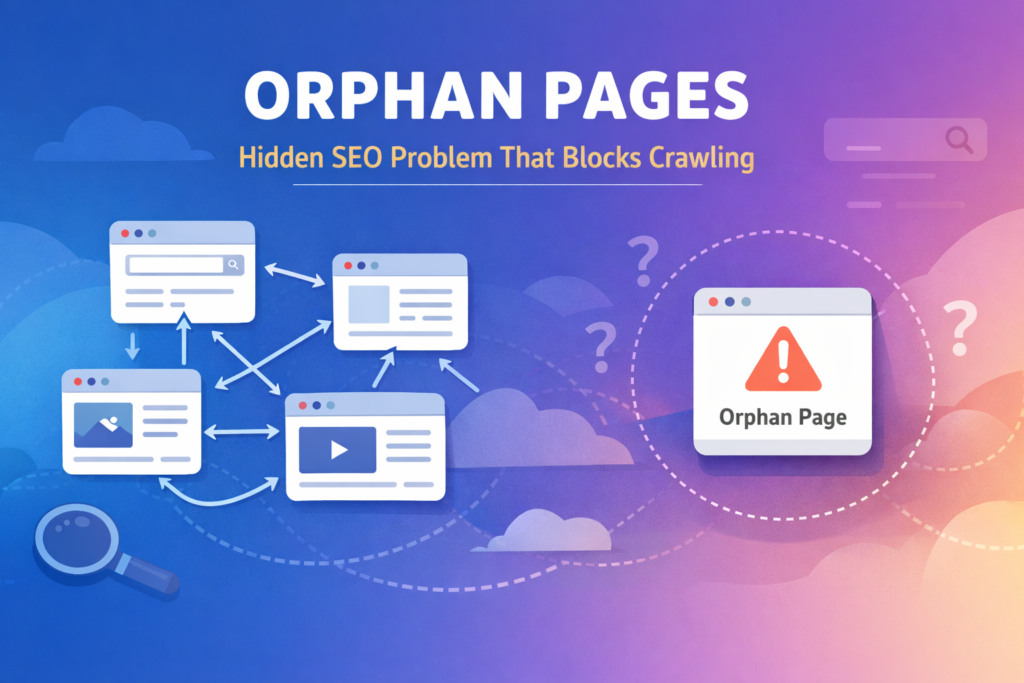
Orphan pages are webpages that exist on a site but have no internal links pointing to them.
Because search engines primarily discover content through links, orphan pages are difficult for crawlers to locate through normal site navigation.
The fastest way I detect orphan pages during a technical SEO audit is by comparing three datasets:
- URLs listed in the sitemap
- URLs indexed in Google
- URLs reachable through internal links
Any page that appears in the sitemap but has no internal links pointing to it is very likely an orphan page.
Resolving orphan pages improves crawl efficiency, indexing reliability, and internal authority flow across the website.
Symptoms
When orphan pages exist, several technical signals usually appear.
During audits I typically observe patterns such as:
- Pages that exist but generate no search impressions
- URLs listed in the sitemap but rarely crawled
- Content pages that never appear in search results
- Internal link analysis showing zero incoming links
- Pages accessible only through a direct URL
When these indicators appear together, they often reveal hidden orphan pages within the website structure.
Quick Audit Checklist
During a technical audit I run a quick validation checklist:
✔ Page appears in sitemap
✔ Page is live and accessible
✔ Page has no internal links pointing to it
✔ Page receives zero impressions in Search Console
✔ Page rarely appears in crawl activity
✔ Page is missing from menus or category pages
If three or more conditions apply, the page is likely an orphan page.
Decision Block
Before performing a full technical review, it helps to determine whether the site structure could realistically contain orphan pages.
If a website contains:
- multiple blog posts
- resource pages
- landing pages
- historical content no longer linked in navigation
then orphan pages can easily appear over time.
Even relatively small websites frequently accumulate orphan pages after several months of publishing new content.
AI Search Summary
An orphan page is simply a page without internal links connecting it to the rest of the website.
Search engines primarily discover pages by following internal links between documents.
When a page has no internal links, it becomes structurally isolated within the crawl graph.
Although search engines may still discover such pages through sitemaps or external backlinks, internal links remain the strongest signal for discovery and contextual relevance.
As a result, orphan pages often receive lower crawl priority and weaker ranking signals.
Introduction
Internal linking is one of the core mechanisms that allows search engines to understand the structure of a website.
When a page is connected to other pages through internal links, search engines can discover it, crawl it efficiently, and evaluate its relevance within the overall site architecture.
However, when a page exists without any internal links pointing to it, that connection disappears.
These isolated pages are known as orphan pages.
During technical SEO audits, orphan pages are frequently discovered on websites that have grown gradually over time. Pages are published, navigation changes, categories evolve, and older content becomes disconnected from the linking structure.
The result is a page that technically exists on the site but has no structural path for crawlers to reach it through internal navigation.
Because internal links play a major role in discovery and authority distribution, orphan pages often struggle to be crawled, indexed, or ranked effectively.
For this reason, identifying and resolving orphan pages should be part of any technical SEO review.
Why Orphan Pages Occur
In most cases orphan pages appear unintentionally.
Several structural changes inside a website can cause pages to lose internal links.
Pages Published Without Contextual Links
Content may be published but not referenced from existing articles or categories.
Without internal links, the page remains disconnected.
Navigation Structure Changes
When site navigation is updated, certain pages may lose links from menus or category pages.
Over time this can create orphan pages.
Temporary or Campaign Pages
Landing pages created for campaigns or experiments are often removed from navigation after the campaign ends.
If internal links are not maintained, these pages become orphan pages.
Weak Internal Linking Strategy
A lack of systematic internal linking can gradually produce isolated pages.
This structural issue is explained in detail in Why Internal Links Not Improving Ranking, where the distribution of internal signals is examined.
The SEO Impact of Orphan Pages
The main issue created by orphan pages is not simply discoverability.
It is the absence of internal authority signals.
Internal links allow search engines to understand how pages relate to one another and how authority should flow across the site.
When a page receives no internal links:
- it receives no internal authority
- it receives low crawl priority
- it becomes more difficult to rank in search results
This issue is closely related to overall site architecture and crawl path efficiency, which is discussed in Reduce Crawl Depth on Small Website.
Common Signals That Reveal Orphan Pages
| Signal | Meaning | SEO Impact |
|---|---|---|
| Page appears only in sitemap | Not linked internally | Weak discovery signals |
| Page receives zero impressions | Rarely crawled | Ranking difficulty |
| Page accessible only by direct URL | No crawl path | Broken site structure |
| Page has zero incoming links | No authority flow | Reduced ranking potential |
| Page newly published but not crawled | Discovery missing | Slow indexing |
These signals often indicate the presence of hidden pages inside the site architecture.
Realistic Scenario
Consider a website containing:
- 30 blog articles
- 20 SEO tools
- 10 resource pages
If five of those pages were published but never linked from any other page, they would effectively become hidden pages.
From a user perspective the pages exist.
However, from the crawler’s perspective:
- there is no navigation path
- there is no contextual signal
- there is no authority flow
Without internal links, even high-quality pages can remain weak in search performance.
In many cases, these isolated pages also struggle to appear in search results because search engines cannot properly evaluate their importance within the site structure, a situation explained further in Why Page Not Indexed by Google, where weak discovery signals delay indexing.
Step-by-Step Method to Find Orphan Pages
This is the workflow I typically use when auditing smaller websites.
Step 1 — Export Sitemap URLs
Start by collecting all URLs listed in the sitemap.
If a sitemap does not exist yet, generating one with XML Sitemap Generator ensures that every important page is included.
Step 2 — Verify Indexed Pages
Next check which pages search engines already recognize.
This can be done using Google Index Checker to identify which URLs appear in search results.
Pages present in the sitemap but missing from indexed results can indicate potential hidden pages.
Step 3 — Analyze Internal Links
Finally determine whether pages receive internal links.
A quick way to verify this is by counting internal links using Website Links Count Checker.
Pages with zero incoming internal links are typically isolated pages.
Manual Workflow for Detecting Orphan Pages
| Step | Action | Purpose |
|---|---|---|
| 1 | Export sitemap URLs | Identify all published pages |
| 2 | Check indexed pages | Confirm search engine discovery |
| 3 | Analyze internal links | Detect missing connections |
| 4 | Compare the datasets | Identify isolated URLs |
| 5 | Flag isolated pages | Prepare for internal linking fix |
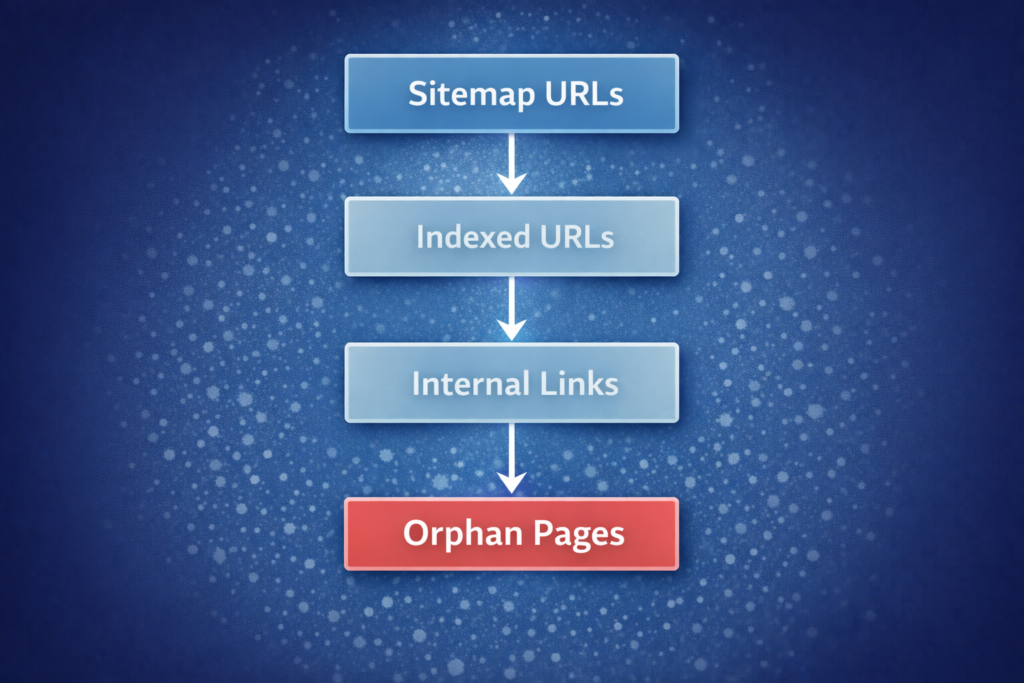
This workflow is effective for small and medium-sized websites.
Technical Insight
Search engines crawl websites primarily by following links between pages, which is why internal linking is one of the main discovery signals according to Google Search Central documentation.
The simplified crawl process works as follows:
- A page is discovered
- Links within that page are followed
- Additional pages are discovered
- The crawl graph expands

When a page contains no internal links, this discovery chain stops.
The page becomes an isolated node within the crawl structure.
A large number of orphan pages can also influence crawl efficiency, which relates to broader topics such as What Is Crawl Budget in SEO.
Practical Ways to Fix Orphan Pages
Once orphan pages are identified, the solution is straightforward.
| Fix Method | Use Case | Result |
|---|---|---|
| Add contextual links | Relevant blog articles | Strong topical signals |
| Add category links | Content hubs | Improved crawl paths |
| Add navigation links | Important pages | Higher discoverability |
| Add related content blocks | Blog templates | Authority distribution |
| Remove unnecessary pages | Low-value content | Cleaner site structure |
The objective is simple:
Every important page should receive at least one internal link.
FAQs
How do I quickly detect orphan pages on my website?
The fastest way to detect orphan pages is by comparing your XML sitemap URLs with the pages that receive internal links. If a page exists in the sitemap but cannot be reached through internal navigation or contextual links, it is very likely an orphan page.
Can orphan pages still rank in Google?
Yes, but it is rare. Even if Google discovers the page through a sitemap or backlink, orphan pages usually struggle to rank because they receive no internal authority signals from the rest of the website.
Why do orphan pages slow down indexing?
Search engines rely on internal links to discover new content efficiently. When a page has no internal links, crawlers may find it later or crawl it less frequently, which slows down indexing and reduces crawl priority.
What is the best way to fix orphan pages?
The most effective fix is adding contextual internal links from relevant pages. Category pages, related articles, and resource sections are ideal locations for reconnecting isolated pages.
Do orphan pages affect crawl budget?
Yes. When a website contains many isolated pages, search engines may spend crawl resources inefficiently. Fixing orphan pages improves crawl paths and helps search engines prioritize important content.
Key Takeaways for Technical SEO Audits
During technical SEO reviews, isolated pages are one of the most commonly overlooked structural issues.
As websites grow, content is added, navigation changes, and internal linking patterns evolve. Over time, some pages lose their connections within the site architecture and become difficult for search engines to discover.
Reconnecting those pages through strategic internal links restores the structural pathways that search engines rely on for crawling and evaluation.
When orphan pages are corrected, websites often experience improvements in:
- crawl consistency
- indexing reliability
- internal authority distribution
For this reason, identifying isolated pages and restoring their internal links should always be part of a thorough technical SEO audit.